
New tab browser extension
Your homepage, every new tab
Open it and see the time, the places you use, and just enough
No noise, no clutter, no interruption
Shortcuts, grouped your way
Keep your most-used sites in one place. Group them, drag to reorder, open with one click.


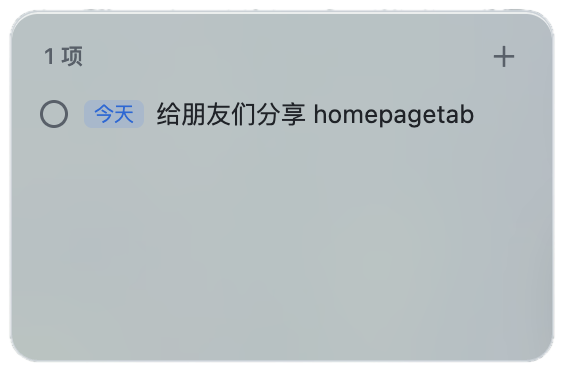



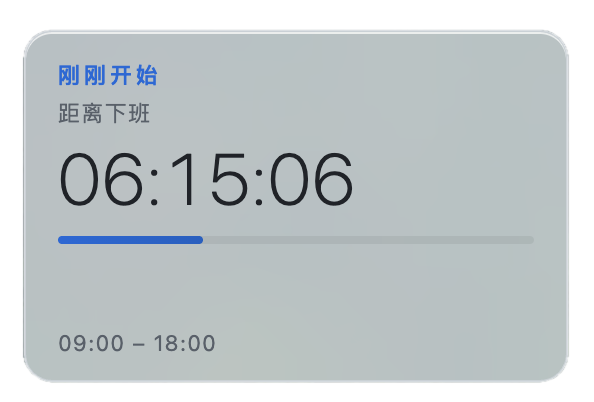
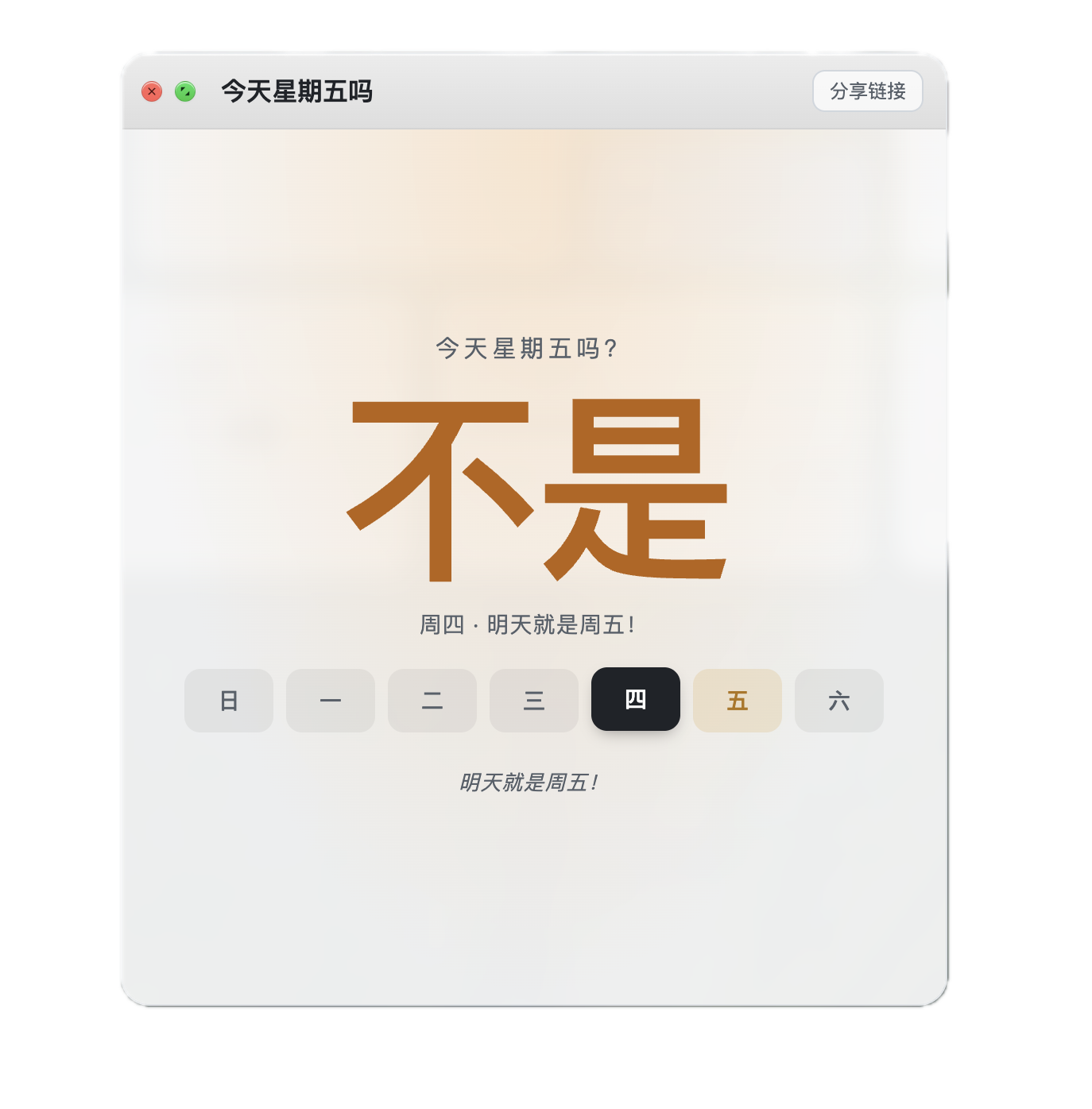

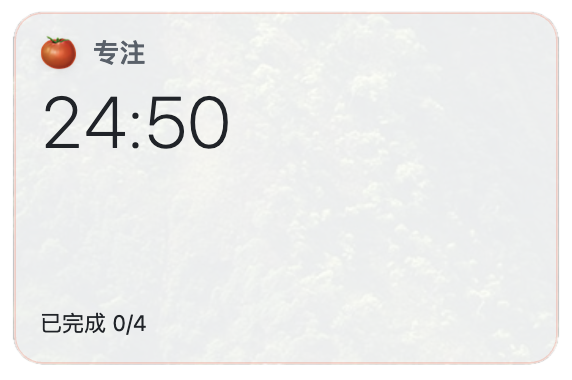

More tools — open when you need them
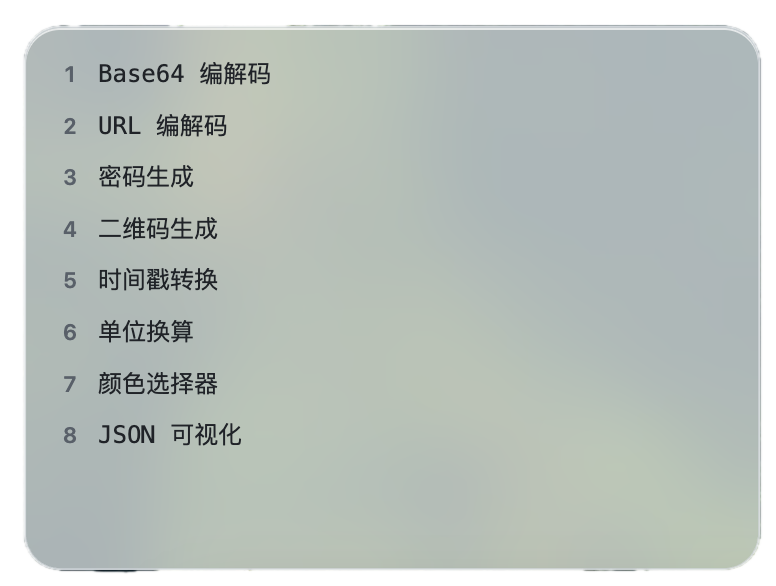
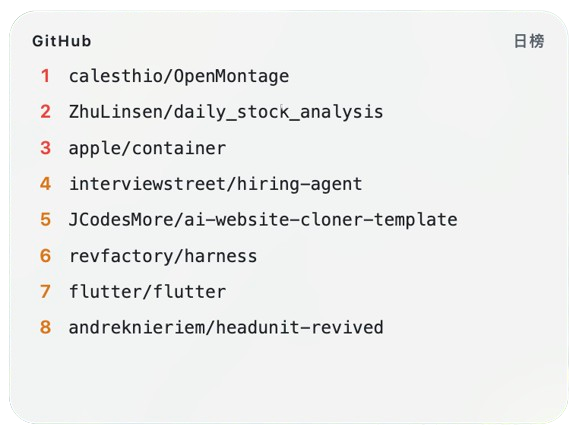
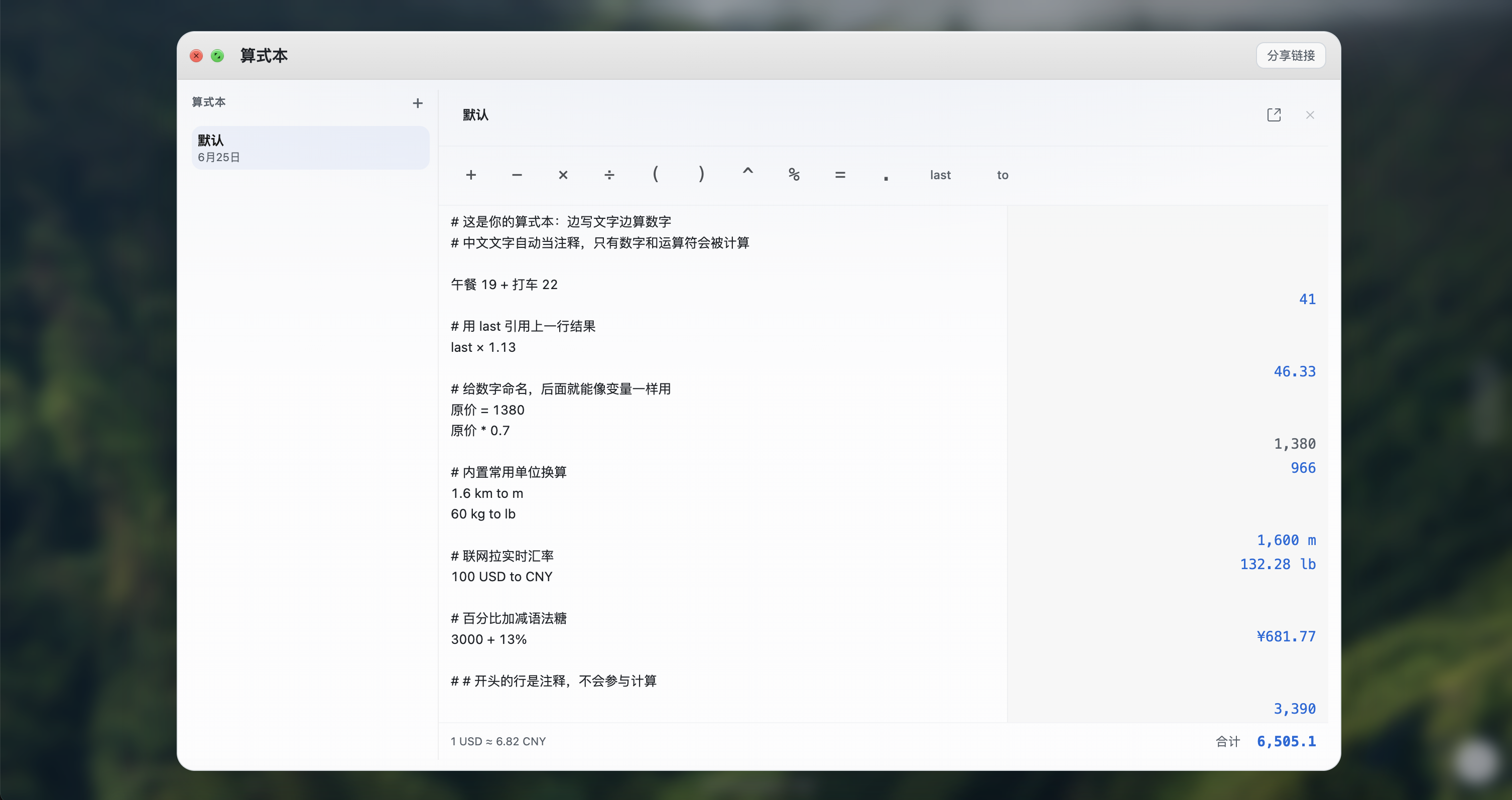
RSS reader, dev toolbox, GitHub trending, calculator, notes — all widgets you can add on demand, without crowding your first screen.

What people are saying
Every new tab is a return to your own homepage.
-
Got a new work laptop—signed in and my groups and notes were still there. I can pull up docs before meetings without hunting again. Good enough for someone who switches devices a lot.
Siyuan Chen
-
When I'm coding I need a new tab that doesn't slow me down. Search, GitHub, docs, pomodoro and todos on the first screen—open and keep going.
Yifan Li
-
I pick a wallpaper first, arrange my sites, and keep weather, coupons, birthdays, off-work countdown, and Is It Friday. A clean page—opening the browser before work feels much better.
Ruoxi Wang
-
My tabs pile up—finding a course link means digging through history. Schedule, countdown, and a few MOOC sites on the first screen. Between classes I open it and know where to go next, without getting pulled into pushed news headlines.
Qiming Zhao
What you get
Free to use, fast to open, widgets keep growing.
-
Cloud sync
Sign in to sync layouts and notes across devices—pick up right where you left off.
-
Lightning fast
Opens in under 100ms. No bloat, no lag, no waiting.
-
Free to use
Core features are free. No subscription required.
Your homepage, every new tab
In the whitespace, resonance follows.