
Linux Mint 27 beta is available to download
Beta builds of Linux Mint 27 ‘Adrien’ have hit the distro’s official download mirrors, though there’s been no official announcement yet. Linux M…
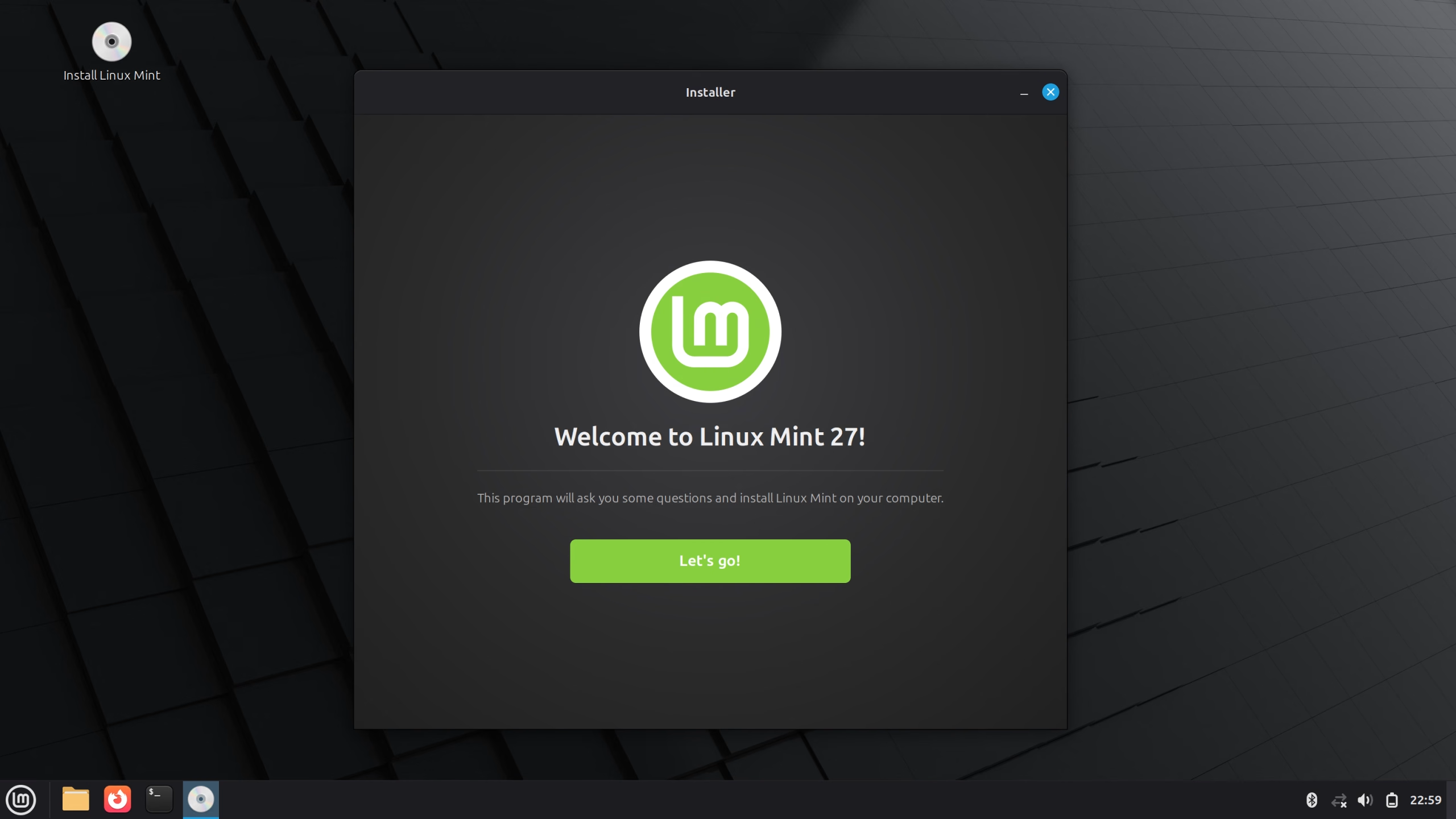
Beta builds of Linux Mint 27 ‘Adrien’ have hit the distro’s official download mirrors, though there’s been no official announcement about it yet.
Linux Mint 27 is built on Ubuntu 26.04 LTS and the Linux 7.0 kernel. The main edition ships with Cinnamon 6.8, with versions using the Xfce 4.20 and MATE 1.26 desktops also available.
As mentioned, Linux Mint hasn’t publicly announced this release and the bug repo isn’t open for feedback. As mentioned on Linux Mint’s forums, the beta ISO could be replaced by a newer build before an announcement is made.
If you plan on testing this release out yourself, do keep that in mind.
Linux Mint 27 ‘Adrien’: What’s New?

Mint 27 migrates to Ubuntu 26.04 LTS, inheriting a host of underlying package bumps and driver updates. It boots from Linux 7.0. Newer kernel versions will come via the Ubuntu HWE updates, with Linux 7.3 due shortly.
It also ships with a new(ish) installer, replacing Ubuntu’s Ubiquity with the live installer it uses in Linux Mint Debian Edition (LMDE). The flow is mostly the same, but if you’re used to the old installer, pay extra attention during the partition setup.
The new installer no longer has an easy setting to create a dual-boot setup, so if you want to install Linux Mint 27 alongside Windows (or other Linux distros), you must use manual partitioning to set it up manually.
Cinnamon 6.8 is a sizeable update. Multi-monitor setups can use a different wallpaper on each screen, trackpad gestures are one-to-one and WireGuard and VPN connections are now grouped in the Network applet.
There are more changes Cinnamon 8.6 besides those. I’ll do a deeper dive on what’s changed since the last Cinnamon release when I cover the Linux Mint 27’s stable release (as more changes and fixes may yet appear).
Linux Mint 27 no longer marks the Wayland session ‘experimental’, though it doesn’t mean it’s a flawless experience or default. Project lead Clement Lefebvre said back in June the distro will keep X11 as the default for the time being.
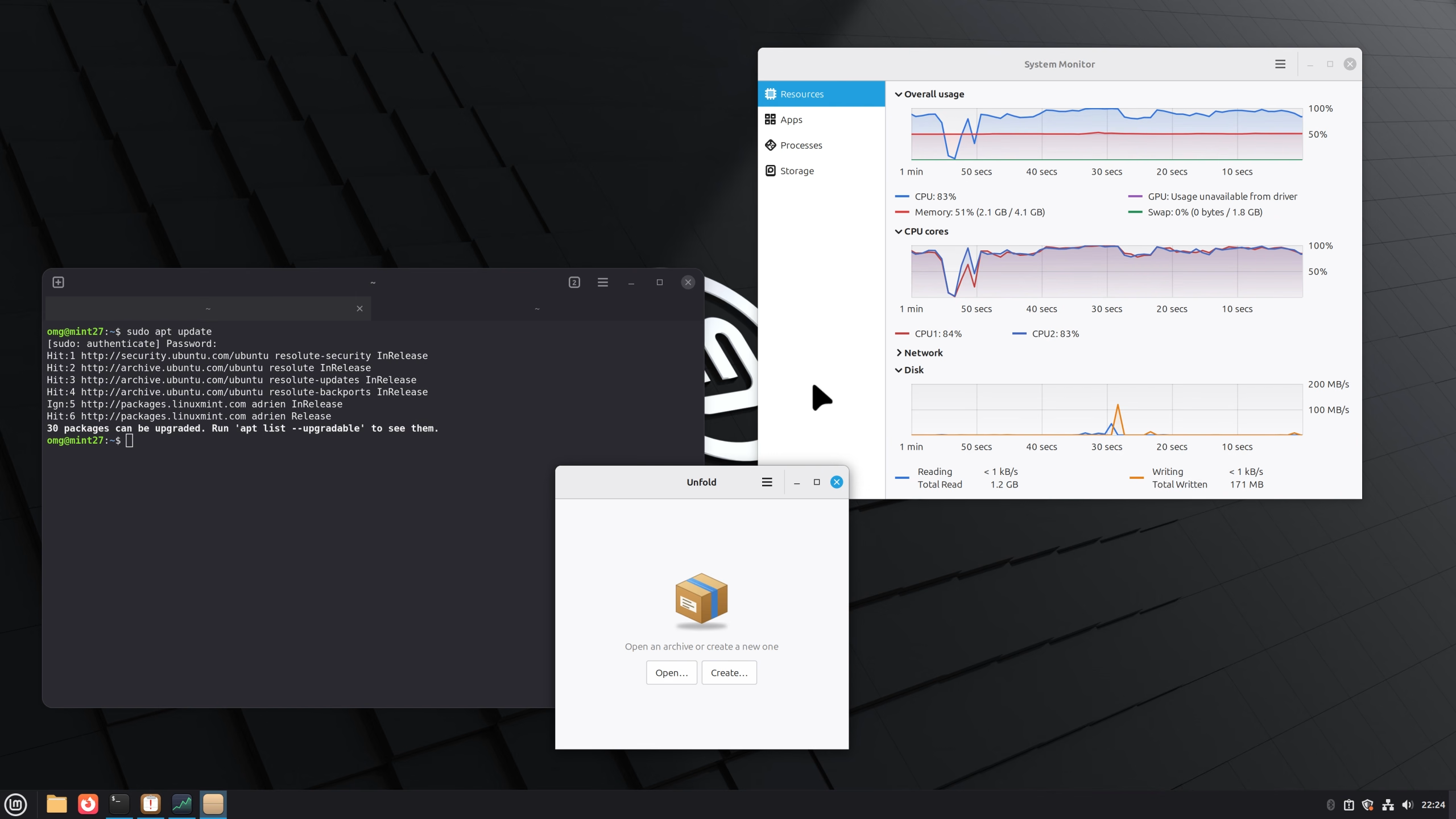
Several new apps are included, all developed by Linux Mint under its desktop-agnostic XApps project. Velocitty is the default terminal, there’s the (terrific) Superlight system monitor, Unfold archive manager (no drag and drop yet) and Xepub e-book reader.
A new calendar app also debuts, partly to resolve contention with some GNOME developers, who had pointed out that Mint users were reporting bugs in the older GNOME apps Mint includes that had since been fixed in newer releases.
Other app buffs feature too. You can preview image, audio and video files in a new pane in the Nemo file manager, just press F7 with a file selected. And the screenshot utility has timer options and an option to exclude window shadows.
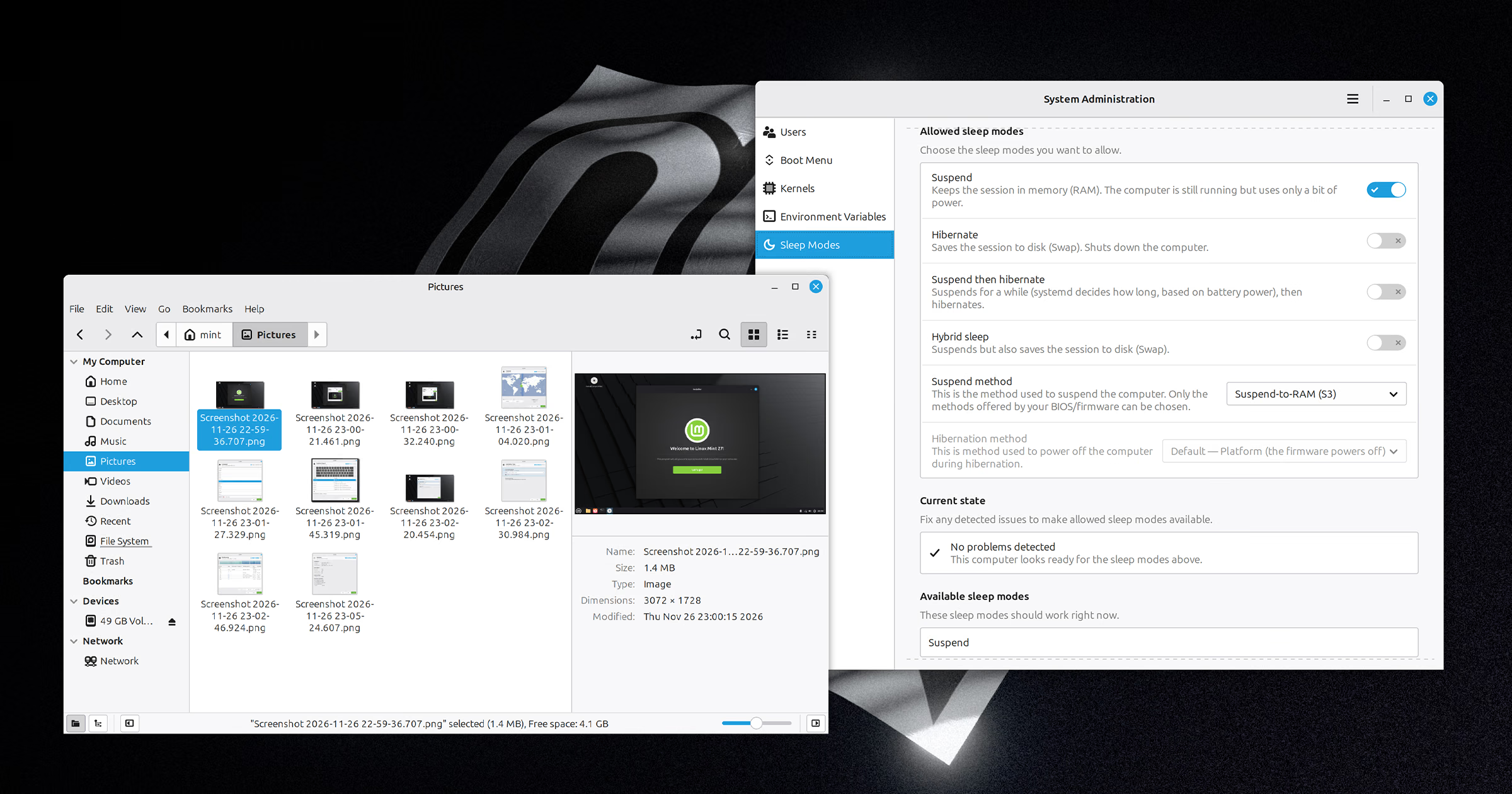
On laptops, hibernation is back. A new Sleep Modes section in the system administrator tool allows sleep behaviour to be configured (note: it requires the same amount of disk space as RAM in order to work).
Download Linux Mint 27 Beta
For anyone confused by the version number jump, Linux Mint 27 is the direct successor to Linux Mint 22.x series and reflects Mint’s move to yearly releases. The new versioning uses numbers for the year ahead.
The final version of Mint 27 is expected at Christmas – this is not a stable release.
You can download the Linux Mint 27 beta from the official Linux Mint mirrors (where the stable releases come from too). For example, https://pub.linuxmint.io/testing (among others)
内容来自 LXer Linux News,版权归原作者所有。
阅读原文 ↗